
01 · Right now
Something just broke. Call a person.
No phone tree and no ticket portal. Call and describe what you are seeing, and you will know what is wrong, what it takes to fix, and what it costs before the meter runs.
Taking calls Mon to Fri, 9:00 AM to 5:00 PM. After hours? Describe it, and we will tell you honestly if it is a tonight problem.
The first five minutes
Email is down?
Call from a cell phone. We start there.
The whole network is out?
We talk you through the two-minute checks that tell a cable from a carrier outage from something that needs hands on-site.
Not sure it is urgent?
Describe the symptoms and we will tell you honestly if it is a tonight problem, a tomorrow-morning problem, or a replace-the-machine problem.
02 · How a call goes
What happens when you call
Four steps, and you are never left guessing which one you are in.
01
You call
A person who knows your systems picks up. Describe it in your own words; plain English is fine.
02
We diagnose
By the end of the first call you know what is wrong, what it takes to fix, and what it costs, before the meter runs.
03
We fix it
Many issues can be fixed in one remote session: you approve a secure connection and watch. When hands-on help is needed, we come to you, and we confirm timing when you call.
04
We stop it coming back
Root cause, not symptoms, and every fix documented so the knowledge stays with your business.
Ticket
Sample · illustrative
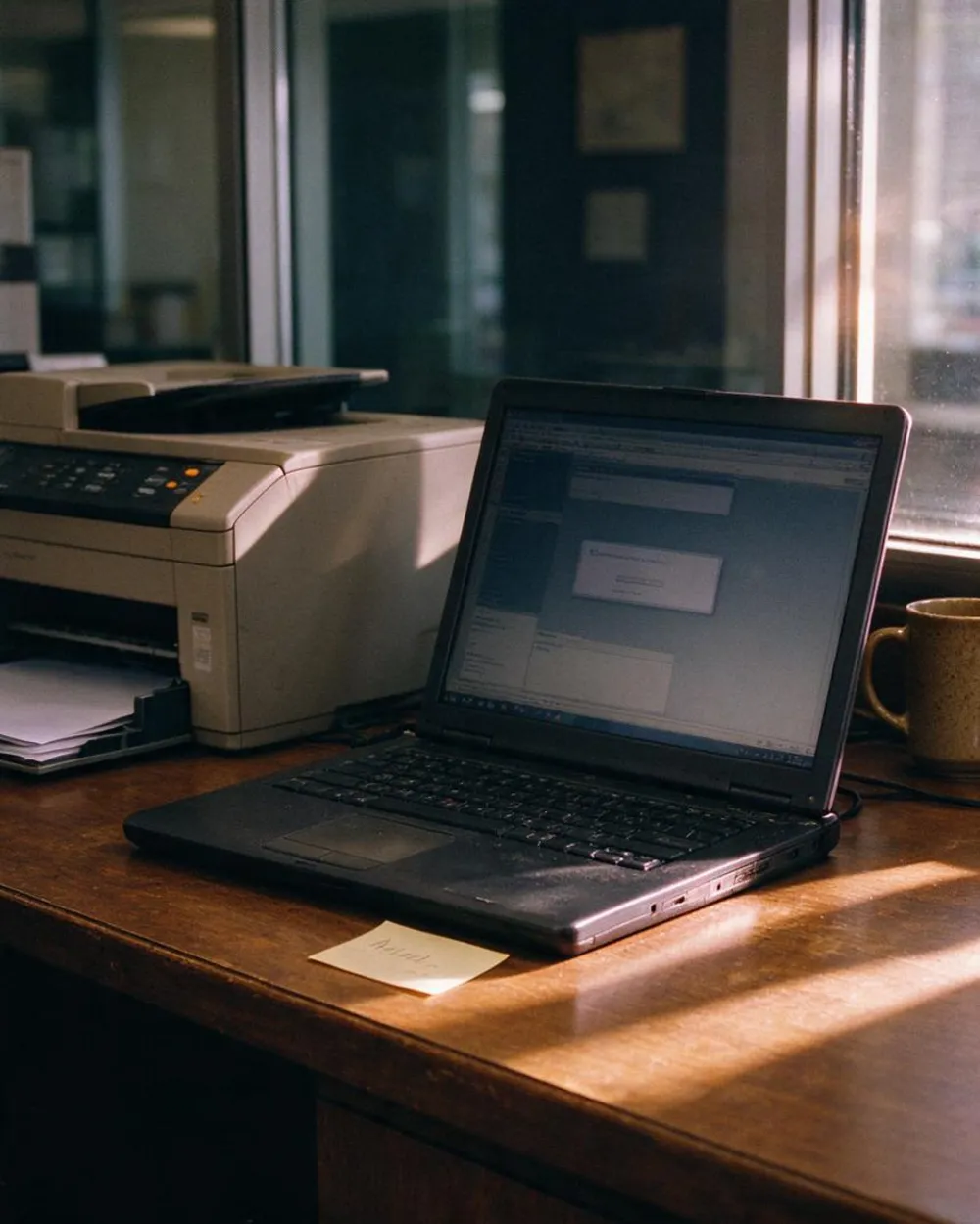
Printer vanished after an update
Resolved Remote 32 minutes
09:02
Call answered
The printer vanished from the network after last night’s update.
09:06
Diagnosed and quoted
The update replaced the driver. Remote fix, about 20 minutes. Price confirmed before any work starts.
09:10
Session approved
You approve the secure connection and watch.
09:34
Fixed and tested
Printing confirmed from two PCs.
09:40
Documented
Root cause and fix saved, so it stays fixed.
03 · What we fix
The problems we fix every week
- Computers that take ten minutes to boot, or freeze mid-task
- Email that will not send, will not sync, or flags real mail as spam
- Printers and scanners that vanish from the network after every update
- Wi-Fi dead zones, dropped VPN connections, and “the internet is slow again”
- New employees who need accounts, devices and access on day one
- Updates, migrations, and the mystery errors nobody can Google away
In a typical month: a law office’s document scanner in Crystal Lake, a QuickBooks-and-printer standoff in Woodstock, three new hires for a Huntley contractor, and a McHenry retailer’s point-of-sale rescued before the weekend rush.
04 · Remote first
100%
of remote sessions are ones you approve and watch
Remote first. On-site fast.
You approve a secure connection, we fix the problem while you watch, and you are back to work without waiting for a truck. When hands-on help is needed, being based in Woodstock means a technician close by, and we confirm timing when you call and quote any travel up front. Either way, the people helping you have your systems and history on file, so you are not starting from scratch on every call.
Six things that shorten the diagnosis
You do not need to know the answers. Anything you can tell us helps, and “I do not know” is a perfectly good answer.
What it did
In your own words, and what you expected it to do.
When it started
This morning, after an update, after a power cut?
What changed
New software, a new device, a moved cable, a recent update.
The exact message
A photo of the error with your phone is perfect.
Who is affected
Just you, one team, or everyone.
What you tried
A restart is worth mentioning. If you have not tried anything, that is fine.
How to tell a real tech support call from a scam
Tech and customer support scams cost Americans about $2.1 billion in 2025, according to the FBI. The pattern is easy to learn, and it protects you whoever you call.
A real tech support call
A scam
Who starts it
You call us, or you book. You are in control of the conversation.
A call, text, email or pop-up arrives out of the blue, claiming your computer has a problem.
The phone number
You find it yourself, on a website you trust.
A pop-up tells you to call the number on screen. Real security warnings never ask you to call.
Remote access
You approve a session you asked for, and watch it happen.
A stranger asks for control of your computer to “fix” something you never reported.
Refunds and remote tools
No email about a refund or a charge. If we ever join a session, you started it with us.
An email about a refund or a charge, a number to call, then a legitimate remote tool such as AnyDesk or ScreenConnect used to move your money. CISA documented exactly this.
Payment
A normal invoice, paid the normal way.
Gift cards, wire transfers, cryptocurrency or a payment app. Always a scammer.
Sources: FTC, how to spot tech support scams · AARP on the FBI’s 2025 report · CISA, AA23-025A
Plain-English terms, no fine print
No contract
Call when you need help and pay for what you use. Many clients later move to a managed plan because it is cheaper for them. That is your math to decide, and we will show you the numbers honestly.
No surprise line items
No travel fees anywhere in McHenry County. For Lake County and southeastern Wisconsin we quote any travel up front.
Advice, not upsell
Clear answers, fair pricing, and recommendations we would make for our own business. Straight answers are free; you only pay when we fix something.
08 · After the fix
Every visit doubles as a quiet inspection
The cheapest ticket is the one that never comes back. If the machine we are fixing is out of support, the router still has factory credentials, or backups quietly stopped, you hear about it, with straight advice on urgency instead of a scare quote.
Clients who start with one frustrating printer often end up with a short punch list that prevents the next three emergencies.
Visit summary
Sample · illustrative
Fixed today
Done
Printer vanishing after Windows updates: reconnected, driver replaced, and documented so it stays fixed.
We noticed
Today
Backups have not completed successfully since spring.
This week
The router is still using its factory login.
This quarter
One PC still runs Windows 10, which lost support on October 14, 2025. Paid security updates cost $61 per device the first year and double each year, or we replace it. Microsoft’s details
Nothing here is urgent unless we say so.
09 · Where this goes
Start with one fix. Move to a plan only if the math says so.
Add up A and compare it with B. If A is bigger, a plan is probably cheaper. If not, ad hoc is the right call, and we will say so. Our managed IT plans fold support into one predictable monthly fee, with an all-inclusive, a support-hours or a pay-as-you-go option.
A
Your last 12 months of IT invoices, plus the hours lost to downtime times what an hour costs you
vs
B
A flat monthly fee, times 12
FAQ
Ad Hoc Tech Support: common questions
Do you charge travel fees for on-site visits?
No travel fees anywhere in McHenry County. For Lake and Walworth Counties, Rockford, Schaumburg, southeastern Wisconsin and anywhere farther, we quote any travel up front, so you never discover a surprise line item on an invoice.
Can you support both Windows and Mac?
Yes. We support Windows and macOS side by side, plus the printers, phones, and cloud services that connect to them. Abe held every Apple repair certification during his Apple Store years, so Mac support is native here, not an afterthought.
Do we need a contract to get support?
No. Call when you need help and pay for what you use. Many clients later move to a managed plan because it’s cheaper for them — but that’s your math to decide, and we’ll show you the numbers honestly.
How fast can you actually respond?
We tell you on the first call how soon we can start, whether it is a remote fix or a visit, and what it will cost before the meter runs.
How do I know a call from BitNetica is really us?
We do not cold-call people about problems with their computers, and neither do legitimate tech companies. If a call, text or pop-up you did not ask for says your computer has a problem, hang up and call us on the number from this website.
Is remote support safe?
You approve a secure connection, you watch while we work, and the session ends when we are done. We never ask for remote access after an unsolicited contact, and we never ask you to pay with gift cards or cryptocurrency.
Our PCs still run Windows 10. What should we do?
Windows 10 lost support on October 14, 2025, so it no longer gets regular security fixes. Home-edition PCs can enroll in Microsoft’s consumer security-update program through October 12, 2027, for $30 or free with settings sync or Microsoft Rewards points. Businesses can buy paid updates for up to three years, at $61 per device the first year and doubling each year. For most offices, replacing or upgrading the machine is the better value, and we will price both for you.
Service area
Ad Hoc Tech Support across our region
We deliver this service on-site and remotely throughout McHenry County, the NW suburbs, and SE Wisconsin.
Related services
Businesses often pair this with
Managed IT Services
Flat-rate IT support and proactive management that keeps your whole business running, so you stop firefighting…
Home Tech
Patient, expert help for your home office, Wi-Fi, smart home, and devices — on-site or remotely,…
Exchange / Microsoft 365
Expert setup, migration, and day-to-day management of Exchange and Microsoft 365: email, Teams, SharePoint, security, and…
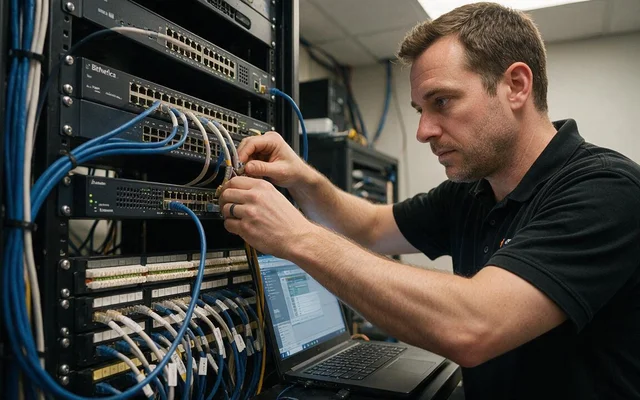
Network Design, Setup & Support
Business networks built on Cisco, HPE/Aruba, and Ubiquiti — designed, secured, and supported by a local…
Ready to make your technology an advantage?
Free consultation, honest answers, no obligation.