
01 · On-premises, cloud or hybrid
Put each workload where it runs best.
Cloud vendors want everything migrated and hardware vendors want everything on-site. We sell neither, so you get the honest answer: it depends on the workload.
Estimated monthly costs before anything moves
Sample workload verdicts
Email and collaboration
Microsoft 365
Cloud
Backups
Local plus off-site
Both
Machine-tied shop-floor server
Stays near the equipment
On-site
Remote desktop for staff
Depends on the app
Depends
Illustration, not a recommendation for your business
Where each workload usually lives
This is where most small businesses land. Yours will differ, and the workload assessment is how we find out.
Verdict
Workload
Watch for
Cloud

Email and collaboration
Microsoft 365 is usually the right home: no mail server to patch, and your team reaches it from anywhere.
Backing up your mailboxes, which is on you, not Microsoft.
Cloud and local

Backups and disaster recovery
A fast local copy for everyday restores plus an off-site cloud copy for real disasters, with no tape rotation.
A copy ransomware cannot alter or delete.
Cloud

Public website and customer-facing apps
Cloud virtual servers on AWS or Azure suit public workloads, and keep them apart from your internal systems.
Sizing to the load you really have, not the peak.
Depends
Documents and file shares
SharePoint and OneDrive suit most documents. Very large files, such as CAD or video, can be faster on a local server.
Internet speed at every location that opens big files.
On-site
Line-of-business app with heavy local file access
Often runs better and cheaper on a local server, close to the files it reads all day.
The server’s age and support dates (see below).
On-site

Shop-floor and specialized equipment
A print shop’s production server or anything tied to machines on the floor stays local, with secure remote access.
Keeping it on its own network zone.
Depends
Remote access to a desktop or legacy app
A cloud desktop, Windows 365 or Azure Virtual Desktop, gives remote staff one app or a full desktop without exposing your office network.
Windows 365 is a fixed price per user; Azure Virtual Desktop bills on consumption and is more flexible.
That is why the service is called on-prem, cloud or hybrid: we design for your workloads, not for a slogan.
Where cloud bills go wrong
The cloud is a set of tools, not a destination. Used well it saves money and risk. Used carelessly it becomes a bill that keeps growing.
29%
of cloud infrastructure spend is wasted, according to the people paying it. Up from 27%, the first rise in five years.
85%
of organizations say managing cloud spend is a top challenge.
Source: Flexera 2026 State of the Cloud report, via Flexera’s announcement. Waste is self-reported by more than 750 cloud decision-makers.
Mistake one
Lift-and-shift bill shock
Copying servers to the cloud exactly as they ran on-site, then finding the monthly invoice is for hardware sized for a peak that happens one day a month.
How we avoid it Right-sizing and scheduling, before the first server moves.
Mistake two
The abandoned hybrid
A migration that stalls halfway, leaving two environments to maintain and secure indefinitely.
How we avoid it A plan with a finish line, and the old environment properly retired.
Cloud does not mean someone else handles it
Providers secure their data centers. You still own the things below, which is why we set them up properly.
Your data
Who can log in
Your backups
How it is configured
AWS shared responsibility model · Microsoft Azure shared responsibility
Two clocks that decide when to move
Sometimes the date decides for you. These two catch small businesses most often, and both are easier to plan for than to rush.
Date to plan around
January 12, 2027
Windows Server 2016 reaches end of support
After this date Microsoft stops issuing security updates for it. The server keeps running, but every new vulnerability stays open. A server that cannot be patched should not sit on your network.
- Replace it with a current on-site server
- Move the workload to a cloud server or to Microsoft 365
- Retire it, if nothing really needs it any more
Licensing to review
VMware renewals
Subscription-only, since Broadcom
Broadcom ended perpetual VMware licenses and now sells subscriptions only. If your servers run on VMware, the renewal is a decision to plan, not a formality.
- Price the renewal against other hypervisors
- Price it against moving those workloads to the cloud
- Decide before the renewal date, not after
A sequence, not a leap
The plan absorbs the risk before your business has to: cutover happens in a window you choose, and the old system stays available until the new one has proven itself.
1
Inventory and map
Every workload and what depends on it, so nothing critical is orphaned.
2
Pilot one workload
Validate performance and cost assumptions on something small first.
3
Move in stages
Cutovers scheduled around your business calendar, not ours.
4
Run in parallel
The old system stays on as a safety net until the new one has proven itself.
5
Retire and review
Decommission, document, and review the monthly cost one billing cycle in.
Experience that predates the buzzwords
Abe ran virtualization from VMware ESXi version 2 through version 8, built and maintained more than a hundred virtual servers, and operated a hybrid AWS environment at a $60M company, long before cloud migration was a marketing phrase. That is the depth that decides what moves, what stays, and what it really costs per month once the free-tier honeymoon ends.
Platforms we have run
VMware ESXi 2 to 8
AWS
Azure
Multi-factor remote access
07 · Workload assessment
Start with a list, not a migration.
Every good cloud decision starts the same way: list what you run, measure what it needs, and price where each piece lives best. You get a clear document, and the conversation is free.
- What should move, and what should stay
- What each costs per month, either way
- The migration order that avoids disruption
Sample workload assessment
Email and files
Already in Microsoft 365
Keep
Accounting server
Windows Server 2016
Plan
Public website
Sized for peak load
Right-size
Backups
No off-site copy
Fix first
Illustration with made-up results
FAQ
On-Prem / Cloud / Hybrid: common questions
Should our small business move everything to the cloud?
Usually not everything. Email and collaboration, usually; backups, often; certain line-of-business apps and production systems, sometimes not. We assess workload by workload and give you the honest math — including the monthly bill after year one.
What happens to our server when we move to the cloud?
Often it gets a smaller, well-defined job — local file cache, print services, or a specific application — or it’s retired at end of life. Either way, you stop powering and cooling hardware for work the cloud now handles.
Is the cloud safe for our data?
Configured properly, major-provider infrastructure is often better protected than a typical server closet. The risk is configuration: MFA, access rules, and backups are still your responsibility — and ours to set up right.
What happens when Windows Server 2016 reaches end of support?
Microsoft stops issuing security updates for it on January 12, 2027. The server keeps running, but new vulnerabilities go unpatched. We plan the replacement before that date: a current on-site server, a cloud server, or retiring the workload.
Will the cloud cost more than our server?
It depends on the workload, which is why we price each piece both ways before anything moves. Cloud often wins for email, backup and public sites. Steady, heavy workloads can cost more there, and the bill to watch is the one after year one.
Service area
On-Prem / Cloud / Hybrid across our region
We deliver this service on-site and remotely throughout McHenry County, the NW suburbs, and SE Wisconsin.
Related services
Businesses often pair this with
Exchange / Microsoft 365
Expert setup, migration, and day-to-day management of Exchange and Microsoft 365: email, Teams, SharePoint, security, and…

Backups & Disaster Recovery
Automated, monitored, and regularly tested backups, local and cloud, so a disaster is something you have…
IT Strategy Consulting
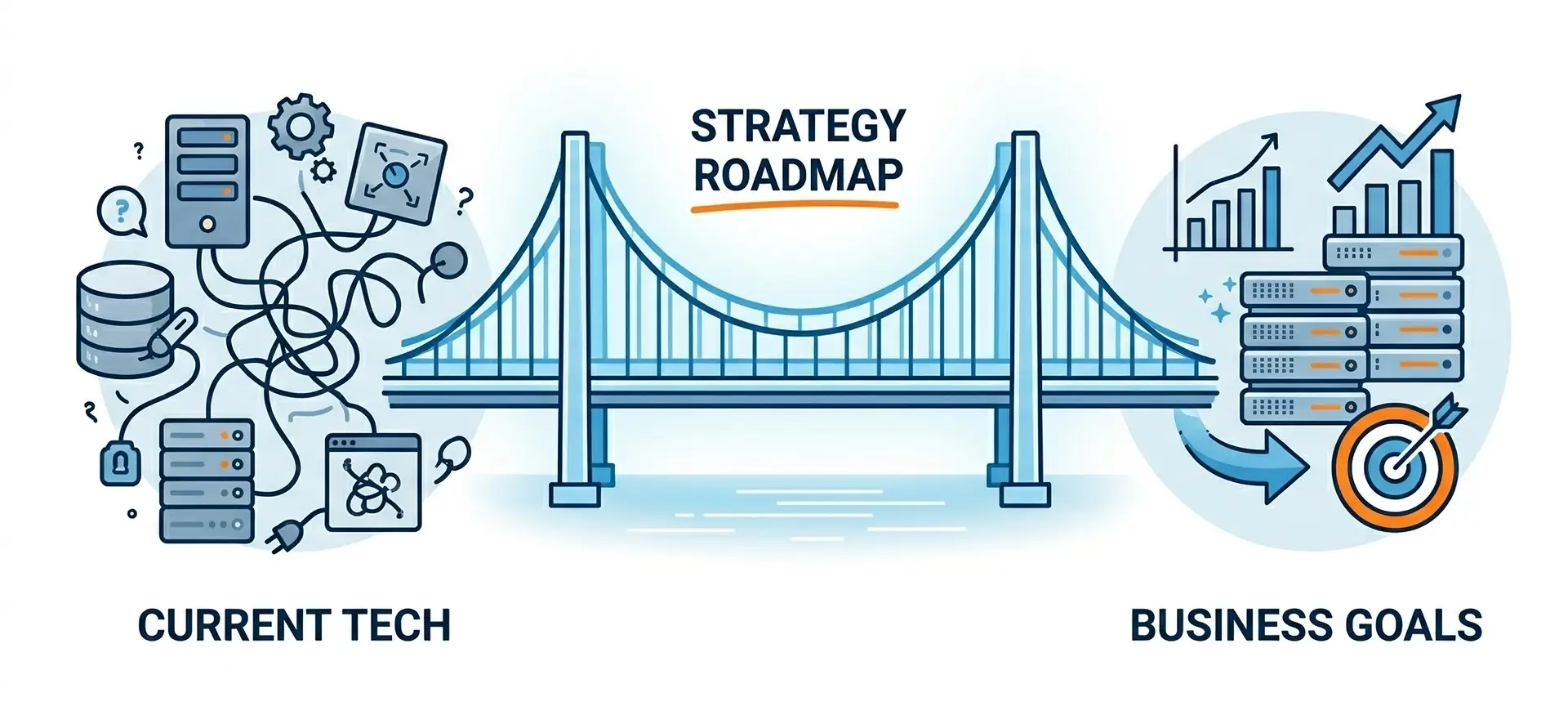
An honest audit of your technology, security, and costs, translated into a plain-English roadmap you can…
Network Design, Setup & Support
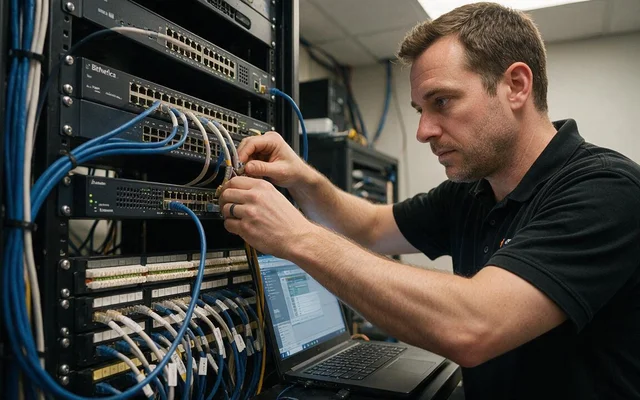
Business networks built on Cisco, HPE/Aruba, and Ubiquiti — designed, secured, and supported by a local…
Ready to make your technology an advantage?
Free consultation, honest answers, no obligation.