
01 · Backup and disaster recovery
Backups only matter if they restore.
Automated, monitored and regularly tested backups, local and cloud, so ransomware, hardware failure or human error is something you have already planned to recover from.
We show you your own data restored, before you need it
The rule we build to
The 3-2-1-1-0 backup rule
3
copies of your data
2
types of storage
1
copy off-site
1
copy ransomware cannot alter or delete
0
recovery errors: restores are verified
Source: Veeam’s explanation of 3-2-1-1-0
The plan that proves itself
Backup software can report success for months while quietly producing restores that fail. Half-configured jobs, full drives and untested restores are the first things we look for.
1
Back up
Automated, on a schedule that matches how much data you can afford to lose. Servers, workstations and Microsoft 365.
2
Monitor
Every job is watched, so a failed or half-configured backup does not go unnoticed.
3
Test the restore
Regular test restores, because a backup that has never been restored is just a hope.
4
Document
Results written down, so “can we recover?” has evidence behind it.
Two numbers define your plan
A dental office and a machine shop answer differently, and their backup designs should too. We help you pick honest numbers, then build to them.
RTO
Recovery Time Objective
How long can you afford to be down? An hour, a day, a week?
NIST describes it as the length of time a system can be in the recovery phase before it harms the business mission. NIST SP 800-34
RPO
Recovery Point Objective
How much recent work can you afford to lose? Fifteen minutes, or everything since last night?
It sets how often backups need to run.
Then we build to them
Local backups
Fast restores of everyday mistakes.
Cloud copies
For site-level disasters.
Microsoft 365 protection
Microsoft does not back up your mail and files for you.
On Microsoft 365, the Services Agreement says: “We recommend that you regularly backup Your Content and Data.” Microsoft Services Agreement, section 6.b. See Exchange / Microsoft 365.
04 · Ransomware-resilient
Backups ransomware can’t reach.
CISA warns that many ransomware variants try to find and delete or encrypt accessible backups. Verizon notes that small and medium businesses are less likely to have up-to-date, readily available backups than large ones.
- Immutable cloud copies that cannot be altered or erased during their retention window, even with stolen admin credentials
- Where warranted, offline copies air-gapped from the network entirely
- Test restores that prove the protected copy actually works
Sources: CISA #StopRansomware Guide · Verizon DBIR 2025
Same attack, two outcomes
Backups on the network
Encrypted along with everything else. Now you are negotiating.
Immutable and offline copies
Untouched. You restore and carry on.
Illustration
From files to full failover
Protection scales to what downtime costs you. You choose the tier with eyes open, because we price the alternatives against what an outage costs your operation.

Foundation
Files and Microsoft 365
Every plan covers files and Microsoft 365 data.
Next step
Server image backups
Whole-machine restores onto repaired hardware, a loaner, or a cloud virtual machine, so a dead server is a re-route instead of a rebuild.

Fastest recovery
Standby and rapid failover
For businesses where hours down means real money: standby options built to bring core systems back as fast as your plan allows.
A written procedure, not a vague intention
We write the runbook with you, keep it current, and rehearse the critical paths.
1
Who calls whom
Roles and contact order, written down.
2
What restores first
Priorities set before the crisis, not during it.
3
Where your team works
If the office is dark.
4
How customers stay informed
A plan for what you say, and when.
The goal is that a crypto-locked server or a burst pipe is handled by a procedure you have already rehearsed. Pair this with Cybersecurity: one makes the bad day less likely, the other makes it survivable.
What it costs, plainly
Backup pricing follows two things: how much data, and how fast you need it back. Every option is quoted in writing next to the recovery time it buys, so the decision is a business calculation.
Data volume
How much you protect
+
Recovery speed
How fast you are back up
=
Flat quote
In writing, with the recovery time it buys
And unlike insurance, this policy gets tested: you see your own data restored before you need it.
Enterprise discipline, small-business size
Abe designed enterprise disaster-recovery systems with Veeam, tape and cloud replication, and a dedicated remote recovery site. Your business gets that same discipline, sized for a small business.
Tools and methods
Veeam
Acronis
Tape
Cloud replication
Remote recovery site
09 · Free backup review
If the server were gone tomorrow, how would Tuesday go?
Theft, fire, ransomware, a failed drive with no warning. If the honest answer involves guessing, that is the gap this service closes.
- One conversation maps your risks
- One engagement closes them
- Then the worst day has a written, rehearsed procedure
Sample restore-test log
File server, one folder
Restored
Passed
Microsoft 365 mailbox
Restored
Passed
Server image to a test VM
Not yet run
Schedule
Offline copy
Not set up
Fix first
Illustration with made-up results
FAQ
Backups & Disaster Recovery: common questions
What happens to my data if we get hit by ransomware?
With a tested backup and disaster-recovery plan, we restore your systems from clean backups, and how long that takes depends on the plan you chose. Without one, businesses can face days of downtime, permanent data loss, or paying a ransom with no guarantee of getting data back.
How often should backups run — and where should they go?
Critical data should back up at least daily, following the 3-2-1 rule: three copies, on two different types of storage, with one off-site (cloud). We design retention and frequency around how much data your business can actually afford to lose.
How do I know my backups actually work?
You test them — that’s the part most providers skip. We monitor every backup job and perform regular test restores, because a backup that’s never been restored is just a hope. When we manage your backups, you’ll know they work before you ever need them.
What is the 3-2-1 backup rule?
Three copies of your data, on two different types of storage, with one copy off-site. We add a copy that ransomware cannot alter or delete, and verified restores.
Service area
Backups & Disaster Recovery across our region
We deliver this service on-site and remotely throughout McHenry County, the NW suburbs, and SE Wisconsin.
Related services
Businesses often pair this with

Cybersecurity
Layered protection against ransomware and phishing: MFA, endpoint security, email defense, and backups you can restore…

On-Prem / Cloud / Hybrid
The right home for your servers and data — on-premises, cloud, or hybrid — designed for…

Managed IT Services
Flat-rate IT support and proactive management that keeps your whole business running, so you stop firefighting…
IT Strategy Consulting
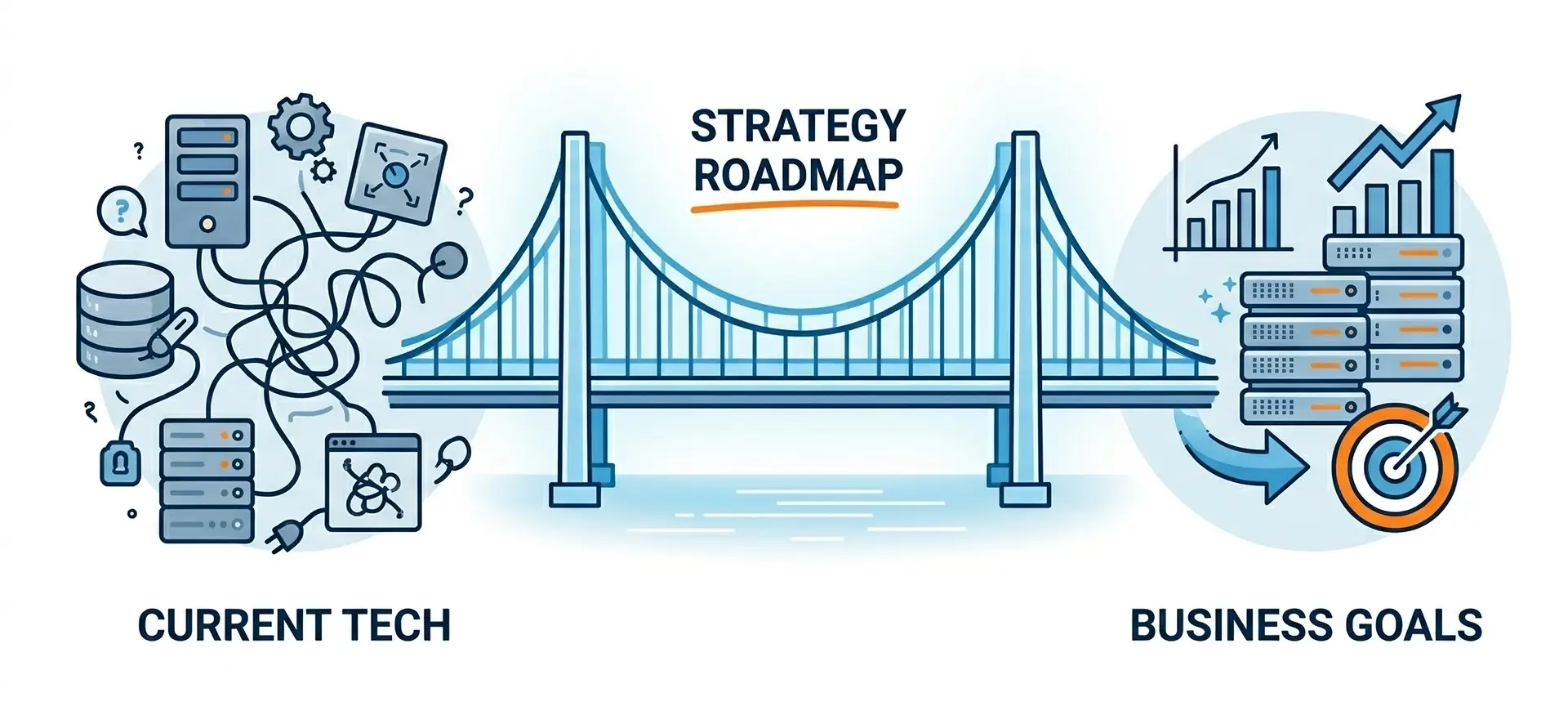
An honest audit of your technology, security, and costs, translated into a plain-English roadmap you can…
Ready to make your technology an advantage?
Free consultation, honest answers, no obligation.