
01 · Cybersecurity
Don’t be the easy target
We close the common ways in, make recovery possible, and tell you plainly what is still open. Nobody can promise that nothing will ever get through.
Ransomware in breaches
88%
of breaches at small and medium businesses involved ransomware. At large organizations the figure was 39%.
The doors attackers use are known and ordinary.
What the largest public breach dataset says about how they get in.
22%
of breaches began with stolen credentials, the most common way in. Exploited vulnerabilities were next at 20%, and phishing about 15%. Phishing often leads to the stolen-credential step.
60%
of breaches involved a human element: a clicked email, a stolen password, a mistake. People are part of the system, so training and MFA both matter.
Of every 100 breaches, 60 involved a person in some way
54%
of vulnerabilities in edge devices and VPNs were fully fixed during the year, and the fixes took a median of 32 days. Patching is slow work unless someone owns it.
54 of every 100 were fully fixed within the year
$115,000
was the median ransom paid in 2024, down from $150,000. Most victims, 64%, did not pay, which is the case for backups you can actually restore from.
64 of every 100 victims did not pay
Most of this is routine, so routine defenses help. They do not make a business untouchable, but they close the doors used most.
Five steps in. Five chances to stop it.
One common sequence. Every layer we set up is aimed at one link in it.
1
A fake invoice arrives
We cut it withEmail filtering and impersonation checks
2
Someone types their password
We cut it withMFA, so the password alone is not enough
3
The attacker moves sideways
We cut it withSegmentation and least-privilege access
4
Ransomware launches
We cut it withEndpoint detection and response on every device
5
Backups are encrypted too
We cut it withA tested backup copy kept out of reach
An illustration of a common pattern, not a specific incident. Patching and training help at every step.
Six layers, kept current
Not one magic product. The right layers in the right places, reviewed as threats change.
Identity
MFA everywhere (with Duo), a strong password policy, and least-privilege access.
Aimed atStolen and reused passwords
Filtering and impersonation protection, since many attacks start in the inbox.
Aimed atPhishing and fake-invoice scams
Devices
Modern endpoint detection and response on every workstation and server, watching behavior, not just known viruses.
Aimed atRansomware and malware

Patching
Patch management, the boring habit that closes the doors attackers use.
Aimed atAttacks on known weaknesses
Network
Segmentation, locked-down firewalls, and no forgotten open ports.
Aimed atAttackers moving sideways

People
Brief, practical training so your team recognizes the traps.
Aimed atSocial engineering
The first five fixes for almost any small business
Little or no new spending, mostly configured time.
Turn on MFA for email and banking, today, not this quarter
Retire the shared passwords and the spreadsheet that stores them
Patch the machines that have not updated since installation
Verify a backup actually restores, then make one copy unreachable from the network
Send one short phishing-awareness refresher: the inbox is the front door
They line up with CISA’s small-business guidance: teach employees to avoid phishing, require strong passwords, require MFA, and update business software. A review confirms which apply to you and what comes next.
Compliance-aware, not compliance theater
If you handle patient records, financial data or client files, security overlaps with obligation. Requirements vary, so we start by learning which ones apply to you.
What cyber-insurers commonly ask for
- MFA on email, admin accounts and remote access
- Endpoint detection and response, not just basic antivirus
- Backups that have been test-restored, with a copy out of reach
- Current patching, with records to show it
- A written plan for when something goes wrong
Rules that may apply to you
- HIPAA for medical and dental practices
- FTC Safeguards Rule for tax preparers and other financial firms. It calls for multi-factor authentication and encryption, with a limited exemption for firms holding records on fewer than 5,000 consumers. See the FTC guide.
- Cyber-insurance questionnaires for many businesses
We document your controls so renewals and audits stop being fire drills. General information, not legal advice.
07 · Free security review
Start with a review, not a sales pitch.
You can’t defend what you haven’t measured. We look for:
- Accounts without MFA
- Machines missing patches
- Backups that would fail a ransomware test
- Email rules an attacker could hide behind
You get the findings in plain English, ranked by risk and cost, whether or not you hire us to fix anything.
Sample findings sheet
Accounts without MFA
4
Fix first
Backup restore test
Not run
Fix first
Machines missing patches
7
This month
Mail rules forwarding outside
1
Check today
Shared admin password
Yes
This month
Illustration with made-up findings
When something looks wrong, act first.
An account sends mail you didn’t write. A ransom note appears. Money moves on an email’s say-so.
1
Disconnect it
Take the affected machine off the network. Don’t power it off.
2
Call us
Isolating the machine and resetting credentials early shapes everything after.
3
Preserve the evidence
We keep the logs, so we know what spread, what’s recoverable, and what insurers will ask for.
Clients get a one-page incident checklist for the wall, written like a fire-drill card.
Enterprise experience, right-sized
Abe’s security background was built where the stakes were high: deploying AI-driven threat detection and autonomous response, managing endpoint-security transitions across enterprise platforms, and hardening infrastructure for audits by pharma, banking and accounting clients on the road to SOC 2. Your business doesn’t need that entire stack. It needs the right slice of it.
Experience includes
Darktrace
McAfee
Sophos
Trend Micro Apex One
Trend Micro Vision One
Duo
Security is a posture you maintain, not a product you buy once. The aim is not to be impenetrable. It is to be a harder target than the next company on the attacker’s list, with backups that take the leverage out of a ransom demand. Pair this with Backups & Disaster Recovery.
10 · Next step
Find out where you actually stand.
A free review, a plain-English list, and an honest answer about what is worth doing first.
FAQ
Cybersecurity: common questions
Is my small business really a target for hackers?
Yes. In Verizon’s 2025 breach data, ransomware was involved in 88% of breaches at small and medium businesses, against 39% at large organizations. Layered protection and backups you can restore from lower the odds and the damage, though nobody can promise zero risk.
What does layered security actually include?
Endpoint protection on every device, email filtering that stops phishing before your team sees it, multi-factor authentication so a stolen password isn’t enough, timely patching, and security awareness for your staff. No single layer is perfect — together they’re formidable.
We already have antivirus. Isn’t that enough?
Consumer antivirus alone hasn’t been enough for years. Modern attacks arrive through email, stolen credentials, and unpatched software — which is why MFA, email security, and patching matter as much as endpoint protection. We’ll assess your current setup honestly and tell you exactly where the gaps are.
Do you help with cyber-insurance questionnaires?
Yes — we translate the questionnaire into the controls it’s really asking about, implement what’s missing, and document everything so renewals stop being guesswork. Accurate answers also keep claims payable.
Which kind of MFA should we use?
Any MFA beats none. Authenticator apps and push approvals through a service like Duo stop most password theft, and hardware security keys or passkeys are strongest because they resist phishing. CISA recommends phishing-resistant MFA where possible.
What happens in a security review?
We look for accounts without MFA, machines missing patches, backups that would fail a ransomware test, and email rules an attacker could hide behind. You get a plain-English, prioritized list of fixes, whether or not you hire us to remediate.
Service area
Cybersecurity across our region
We deliver this service on-site and remotely throughout McHenry County, the NW suburbs, and SE Wisconsin.
Related services
Businesses often pair this with

Backups & Disaster Recovery
Automated, monitored, and regularly tested backups, local and cloud, so a disaster is something you have…

Managed IT Services
Flat-rate IT support and proactive management that keeps your whole business running, so you stop firefighting…

Exchange / Microsoft 365
Expert setup, migration, and day-to-day management of Exchange and Microsoft 365: email, Teams, SharePoint, security, and…
IT Strategy Consulting
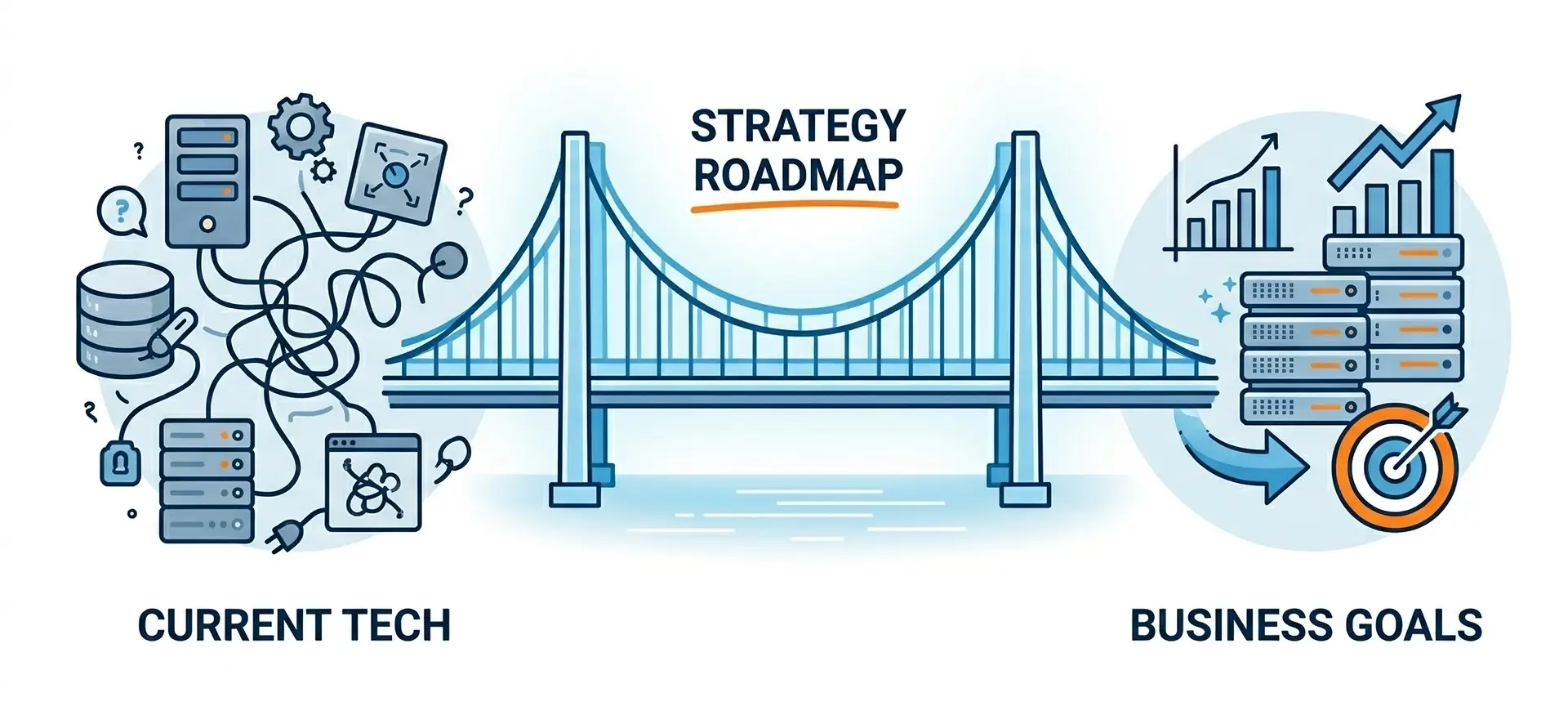
An honest audit of your technology, security, and costs, translated into a plain-English roadmap you can…
Ready to make your technology an advantage?
Free consultation, honest answers, no obligation.