
01 · Business networking
A network is a set of rules about who can reach what.
We design, install and support business networks on Cisco, HPE/Aruba and Ubiquiti gear, built so a problem with one device never becomes a problem for everything else.
Honest answer first, even when it is “you just need a configuration change”
Sample firewall rules, in plain English
Staff laptop to file server
Staff to servers
Allowed
Guest phone to file server
Guest to staff
Blocked
Camera to the open internet
Cameras to internet
Blocked
Desk phone to phone provider
Phones to provider
Allowed
Illustration, not a real configuration
Every device lives in a zone, and zones stay in their lane
This is a typical small office. Your map will differ, but the principle is the same: a device can only talk to what it needs, so one compromised camera or one careless guest cannot reach your files.
Internet
Your provider
Firewall
Filters traffic, VPN, admin protected by MFA
Switches + Wi-Fi
Every device lands in one zone

Staff
Laptops, desktops, printers, file server
Can reach Servers, printers, the internet
Cannot reach Guest Wi-Fi, cameras

Guests
Visitors, customers, personal phones
Can reach The internet, nothing else
Cannot reach Every internal system

Payments or patient records
POS terminals, or EHR workstations
Can reach Only the payment processor or EHR service
Cannot reach Guest Wi-Fi and every other zone

Cameras and smart devices
Cameras, badge readers, TVs, thermostats
Can reach Their own recorder or controller
Cannot reach Staff computers, and the open internet

Phones
Desk phones and the phone system
Can reach Your phone provider, with voice traffic prioritized
Cannot reach Other zones
Between zones, the default is no. Anything else is a written rule that we can explain to you in one sentence.
Attackers go straight for the firewall
The box between you and the internet is now one of the most targeted things on a small business network. Three questions tell you whether yours is a safe one.
22%
of exploited vulnerabilities in 2025 were in edge devices and VPNs, up from 3% the year before
32 days
median time organizations took to fix them, and only 54% were fully fixed
0 days
median time before those flaws were being mass-exploited
Source: Verizon 2025 Data Breach Investigations Report, as summarized by Censys.
1
Is it still supported?
Vendors retire models on a published schedule. Cisco has been retiring the ASA 5500-X family in stages since 2022, so a firewall that still works can already be one that no longer gets security fixes.
2
Is the firmware current?
We schedule firmware updates and watch vendor advisories, because with a zero-day window a patch cycle of “when someone remembers” is too slow.
3
Who can log in to it?
No default passwords, MFA on management access, and no admin page open to the internet.
In February 2026 CISA ordered federal agencies to find and retire unsupported edge devices, and said such devices should not stay on enterprise networks. Nextgov report on BOD 26-02
Wi-Fi placed by measurement, not by hope
Four access points placed by measurement and four placed by guess look the same on the invoice. They do not feel the same on a Monday morning video call.
Predictive survey
Modeled from your floor plan
Software simulates coverage from wall types, room sizes and the access points chosen. Quick and remote, and enough for a small office of a handful of access points.
Estimates performance
On-site survey
Measured in your actual space
We walk the building with survey tools and record real signal, interference and roaming. This is what we do for warehouses, medical suites, thick walls and anywhere people move while on calls.
Measures performance
Newest is not the same as right
Wi-Fi 6
Still the right answer for most offices: proven, affordable, and fast enough for the devices people actually carry.
Wi-Fi 6E
Adds the quieter 6 GHz band. Helps in crowded buildings and dense areas where the older bands are noisy.
Wi-Fi 7
Worth it when your devices support it and the wired side can feed it: it wants 2.5 gigabit or faster cabling to each access point.
We match the Wi-Fi generation to your devices and your cabling, so you do not pay for speed the rest of the network cannot deliver.
No single point of failure
Most offices go down at the same two weak spots: one internet line and one firewall. Here is how we remove each, and how far it makes sense to go for a business your size.
Your internet connection
Keeps you working

Failover
The second line waits. When the main one stops, traffic moves over. Simple and affordable. Calls and transfers in progress on the failed line may need to reconnect.
Adds capacity

Load balancing
Both lines carry traffic at the same time, each connection on one line. More total capacity, and if one line fails the other keeps going. One big download still uses a single line.
Combines lines

Bonding
A single call or transfer is split across every line, so it gets their combined speed and survives a line failing. It needs a tunnel endpoint at the far end, so it is a managed service.
What the second line can be
- A second wired provider: fast enough to use every day, and the right choice when you want to load balance or bond.
- Cellular 5G or LTE: slower, but it travels a completely different path, so it is a strong backup.
Whichever you choose, check the route. Two carriers can share the same conduit, pole or building entrance, and then one cut takes out both. We ask where each line enters and runs before you pay for the second one. Why route diversity matters
This also protects your cloud phone system, which depends on the connection staying up.
06 · High availability
Two firewalls, so one can fail or be updated
A single firewall is a single point of failure: when it stops, so do the internet, the VPN and the links between your sites. In a high-availability pair, one firewall works while the other waits with a copy of the settings and of the connections in progress. If the first fails, the second takes over automatically. It also lets us update firmware one unit at a time with little or no downtime.
What it takes
- Two matching firewalls, such as a pfSense pair, a FortiGate pair or a UniFi pair using Shadow Mode
- A dedicated link between them to keep settings and connections in sync
- Switches that cooperate with the failover, which is where most problems hide
- Security subscriptions for each unit, because they are usually licensed per device
Sources: Netgate pfSense HA, Ubiquiti Shadow Mode.
Provider A
Wired
Provider B
Wired or cellular
↓
Firewall 1
Active
⇄ sync
Firewall 2
Standby, same settings
↓
Switches and Wi-Fi
Your network
How far should you go?
Step 1
A second internet line
Right for: Offices where phones, card payments or cloud apps stop the day when the internet does.
Step 2
Use both lines together
Right for: Busy or video-heavy offices, and anyone paying for two lines who wants to use both.
Step 3
Redundant firewalls
Right for: Businesses where an hour offline costs more than a second firewall, or that cannot schedule a maintenance window.
Where you stop depends on what an outage costs you. We will tell you plainly when step three is more than you need.
07 · Built for your business
The same principles, tuned to how you work
A dental office, a machine shop and a two-site retailer need different layouts. The questions are the same: what must stay up, what must stay private, and who or what should never be able to reach it.
Retail, restaurants, any business taking cards
Payment terminals on their own network, away from guest Wi-Fi. PCI guidance treats segmentation as a way to shrink the systems in scope and to stop an attacker pivoting from a weaker device. PCI SSC
Medical and dental offices
Clinical workstations and EHR traffic isolated from guest Wi-Fi and building devices. HHS has proposed making network segmentation mandatory under HIPAA; the rule is not final yet, but segmentation is already the sensible baseline. HIPAA Journal
Law, accounting and financial firms
Encrypted remote access with MFA, and client data on systems that guests and smart devices cannot touch.
Manufacturers and warehouses
Hardened wired and wireless across large floors, with production systems and IoT or OT devices on their own VLANs.
Hybrid and remote teams
Secure VPN access with MFA, designed so a remote connection never gets more reach than it needs.
Multiple locations
Buildings linked by point-to-point wireless, fiber or SD-WAN over existing internet, with one set of policies and one place to manage them.
No surprises, and nothing you cannot hand to someone else
1
Discovery call
Free. What is not working, what you need, and no jargon.
2
On-site assessment
Abe walks the space, tests Wi-Fi, reviews your gear and finds the gaps before recommending anything.
3
Plain-English proposal
Scope, flat-rate price and honest advice, even if that is “keep what you have”.
4
Install and handoff
Scheduled around your day, tested before we leave, documented before we go.
The handoff binder
Documentation you own
- A network map
- Labeled ports and cables
- Device credentials, handed over securely
- A plain-English summary of how it is set up and why
If a provider calls network documentation “proprietary”, they are holding your network hostage. Ours is yours from day one, so any future technician can support it without starting over.
09 · Free network review
Do you know what is on your network right now?
Most small networks grew one device at a time. A review shows what is connected, what is out of date and what should be separated, in plain language.
- Firewall support and firmware status
- Which devices share a network and should not
- Wi-Fi coverage where your team works
Sample network review findings
Firewall model and firmware
Out of support
Replace
Guest Wi-Fi
Shares staff network
Separate
Back-office Wi-Fi
Weak signal
Survey
Switches
Healthy
Leave alone
Illustration with made-up results
FAQ
Network Design, Setup & Support: common questions
What types of businesses do you set up networks for?
BitNetica works with small and mid-sized businesses across McHenry County, Lake County, and the surrounding area — including medical and dental offices, law firms, accountants, manufacturers, warehouses, retail locations, and professional services firms. If you need a reliable, secure business network, we can help regardless of industry or building type.
What networking brands and equipment do you work with?
We design and deploy networks using Cisco, HPE/Aruba, and Ubiquiti UniFi equipment for switching, routing, and wireless. For firewall and security appliances, we work with pfSense, Fortinet FortiGate, and Cisco ASA. The right choice depends on your budget, environment, and long-term needs — we’ll recommend what actually makes sense for your situation, not what has the best margin.
Can you connect multiple buildings or office locations as one network?
Yes, we connect multiple buildings and sites into one network. Depending on your locations and requirements, we can connect them via point-to-point wireless links (ideal for buildings within line of sight), dedicated fiber runs, or SD-WAN over existing internet connections. The result is a unified network with consistent security policies and centralized management across all your locations.
Do you offer ongoing support and monitoring after the network is installed?
Yes. BitNetica offers proactive monitoring, firmware and security patch management, and ongoing support — on either a retainer or as-needed basis. We monitor your network and alert you when something needs attention. And if something breaks, you call Abe directly.
How much does business network setup cost?
It depends on the size and complexity of your environment. A single-floor office with 20 users is a very different project from a multi-building campus with 150. After a free on-site assessment, we provide a detailed, flat-rate proposal — no hourly estimates that balloon into surprise invoices. We’ll also tell you honestly if there’s a simpler solution that costs less than you might expect.
Can you work with existing equipment, or does everything need to be replaced?
Often we can. We’ll assess your existing equipment during the site visit and give you an honest evaluation of what’s worth keeping, what needs reconfiguration, and what genuinely needs replacing. We’re not in the business of recommending new hardware just to sell hardware — if your switches are solid and just misconfigured, we’ll say so.
Do we need Wi-Fi 7?
Usually not yet. Wi-Fi 7 only pays off when your devices support it and the cabling behind each access point can carry 2.5 gigabit or more. For many offices, a well-placed Wi-Fi 6 or 6E network is faster in practice than a badly placed Wi-Fi 7 one.
Can you check our existing firewall without replacing it?
Yes. We check whether the model is still supported, whether the firmware is current, and who can log in to it. If it is healthy, we leave it alone and tell you so.
Do we need a second internet connection?
It depends on what stops when the internet does. If phones, card payments or cloud apps stop your day, a second line, either another wired provider or a cellular link, is inexpensive insurance. We also check that the two lines do not share the same route into your building.
What is the difference between failover, load balancing and bonding?
Failover keeps a second line in reserve. Load balancing uses both lines at once, with each connection on one line. Bonding splits a single connection across all lines so it gets their combined speed and survives a line failing, but it needs a service at the far end to put the pieces back together.
Do we need two firewalls?
Only if an hour offline costs you more than a second firewall, or you cannot schedule a maintenance window. A redundant pair takes over automatically if one fails and lets us update one at a time. For many small offices, a second internet line and a pre-configured spare are the better value, and we will tell you which applies.
Service area
Network Design, Setup & Support across our region
We deliver this service on-site and remotely throughout McHenry County, the NW suburbs, and SE Wisconsin.
Related services
Businesses often pair this with
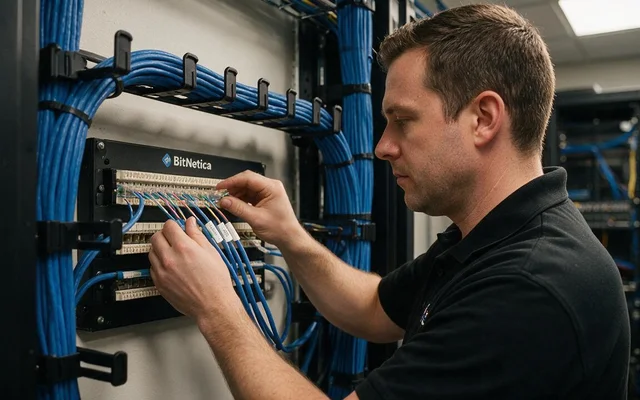
Structured Cabling
Clean, certified low-voltage cabling for offices, warehouses, and new builds — the foundation everything else runs…
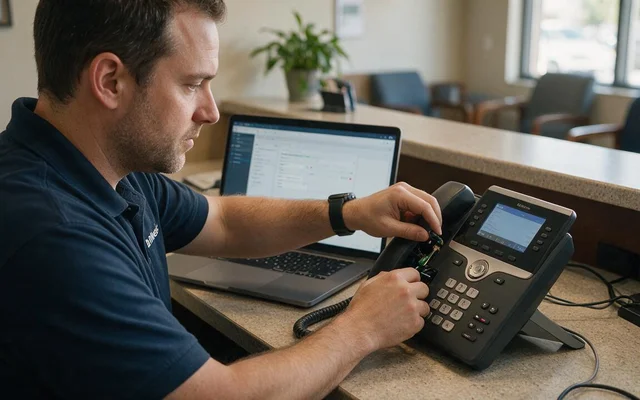
Business Phone Systems & VoIP
Business phone systems and VoIP for McHenry County IL & SE Wisconsin, powered by 3CX, Yealink,…

Cybersecurity
Layered protection against ransomware and phishing: MFA, endpoint security, email defense, and backups you can restore…
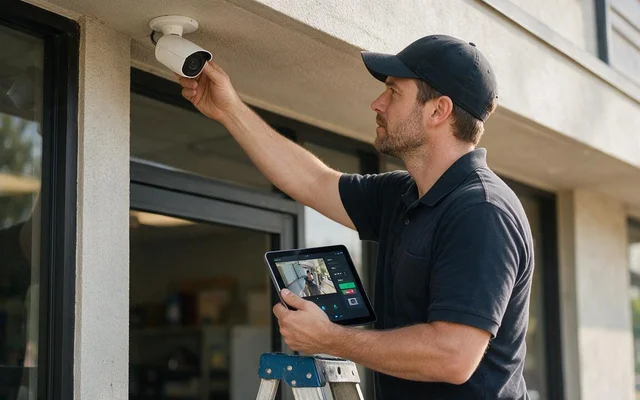
Cameras & Access Control
Professional camera and door-access systems that protect your people and property — with remote viewing from…
Ready to make your technology an advantage?
Free consultation, honest answers, no obligation.