
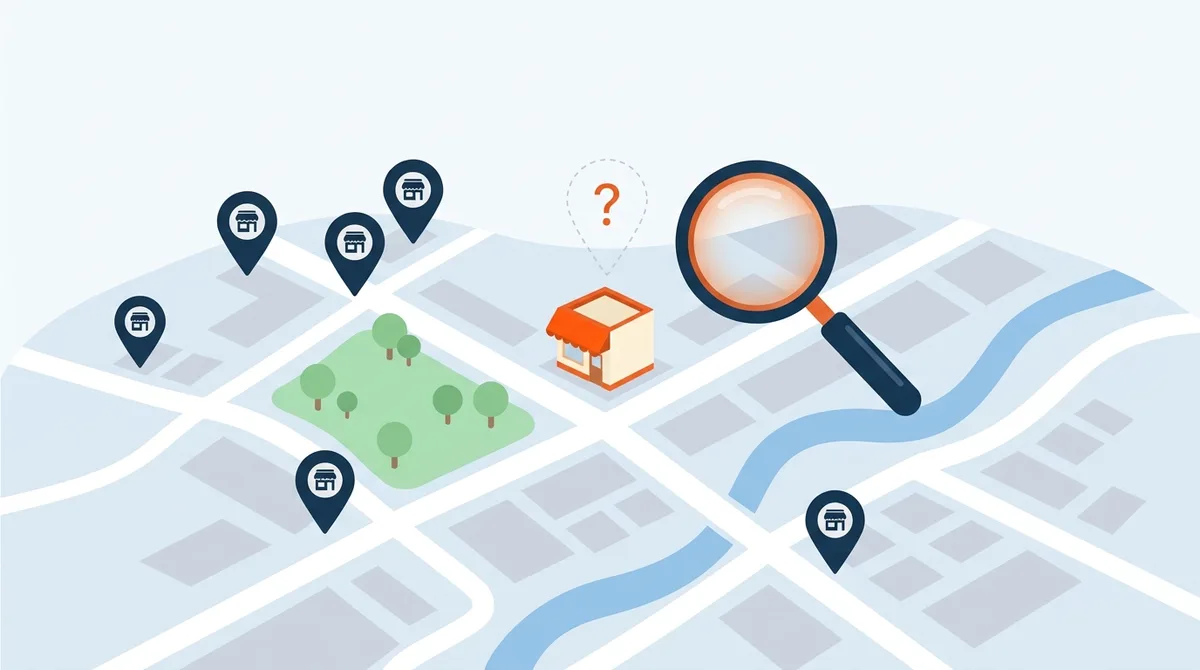
Have you ever searched for your own business on Google Maps and wondered why it doesn’t show up? Maybe customers can find you by searching your business name, but when they search for the services you offer, your competitors appear instead.
If you’re not sure how Google Maps listings work or how your business gets listed in the first place, don’t worry. Let’s start with the basics.
First, How Does Your Business Get on Google Maps?
When you search for a local business on Google, you may see a map with several businesses marked on it, along with their names, phone numbers, hours, reviews, and sometimes photos. You might also see this information when you search for a business directly on Google.
That information comes from what Google calls a Google Business Profile. Think of it as your business’s free listing on Google. It helps customers find you, learn what you do, see when you’re open, get directions when applicable, and contact you.
For example, if someone searches for “computer repair near me” or “plumber in Woodstock, IL,” Google may show a map with local businesses that match the search.
The important thing to understand is that having a website doesn’t automatically put your business on Google Maps. Your website and your Google Business Profile are two separate things.
You can create and manage your listing for free through Google Business Profile.
Once your business has a listing, Google determines when and where it appears based on factors such as how closely it matches the search, how far away it is, and how established it is online.
So, what happens if your business isn’t showing up?
There are several possible reasons, and identifying the right one is the first step toward fixing the problem.
1. Your Business Isn’t Listed or Verified
One of the first things to check is whether your business already has a Google listing and whether you’ve verified it.
Google doesn’t automatically create a complete, owner-managed listing for every business. You may need to add your business or claim an existing listing and verify that you’re authorized to manage it.
Verification helps Google confirm that you represent the business. Depending on your situation, Google may offer different verification methods.
What to do:
- Visit Google Business Profile.
- Sign in with your Google account.
- Search for your business or follow the prompts to add or claim it.
- Check whether your listing is verified and complete any verification steps Google requests.
If someone else manages your website or marketing, check with them before creating a new listing. Your business may already have one that needs to be claimed or transferred to you.
2. Google Has Suspended Your Listing
If your business used to appear on Google Maps but suddenly disappeared, your listing may have been suspended or restricted.
This can happen when Google identifies a possible violation of its business guidelines. Common issues include inaccurate business information, duplicate listings, or a business name that doesn’t follow Google’s rules.
For example, a company called Smith Plumbing might be tempted to change its name on Google to “Smith Plumbing, Best Emergency Plumber in Woodstock” to attract more customers. If those extra words aren’t part of its real-world business name, that change can violate Google’s guidelines.
What to do:
Sign in to your Google Business Profile account and look for suspension notices or other requests. Review Google’s business representation guidelines and, if your listing has been suspended, follow the official reinstatement process.
Don’t create another listing to get around a suspension. Address the underlying problem first.
3. Your Business Isn’t Eligible for Google Maps
Not every business qualifies for a Google Business Profile.
Google generally requires businesses to have in-person contact with customers during their stated business hours. A storefront that customers visit can qualify, as can a service business that travels to customers.
For example, a computer technician who works from home but visits local businesses to repair computers may qualify as a service-area business.
If you operate from home, you may be able to create a listing while hiding your residential address from the public.
However, a business that operates exclusively online, without qualifying in-person customer contact, generally isn’t eligible. Renting a mailbox or using a virtual office doesn’t automatically make a business eligible, either.
What to do:
Review Google’s Business Profile eligibility guidelines before creating a listing. Getting this right from the beginning can help you avoid problems later.
4. Your Business Appears, but Customers Can’t Find It
This is a different problem from having no listing at all.
Your business might appear when someone searches for its exact name, but not when someone searches for the services you provide.
Google identifies three primary factors that influence local rankings: relevance, distance, and prominence.
Here’s what those terms mean in everyday language.
Relevance: Does your business match the search?
Google tries to show businesses that best match what someone is looking for. Your business category, services, and listing information help Google understand what you do.
If you provide business IT support, for example, your listing should accurately describe that service rather than focusing on an unrelated category.
Distance: How close are you to the person searching?
Someone searching for IT support in Woodstock may see different businesses from someone searching in Crystal Lake.
Your business location and the searcher’s location can influence the results. Listing several towns in your service area doesn’t guarantee that you’ll rank prominently in all of them.
Prominence: How established is your business online?
Google considers how well-known a business is. Customer reviews and information about your business across the web can contribute to its online presence.
You can improve the information Google has about your business, but you cannot control every ranking factor or guarantee a particular position.
Google explains these factors in its official guide, Improve your local ranking on Google.
5. Your Website Isn’t Helping Your Local Visibility
Your Google listing is important, but your website also helps potential customers understand what you do and where you operate.
Imagine two companies offering the same service in the same town. One has a basic website with a phone number and a vague description of its services. The other clearly explains its services, the customers it helps, and the communities it serves.
The second website gives potential customers more useful information and helps search engines better understand the business.
Start by making sure your website clearly answers three questions:
- What do you do? Explain your services in plain English.
- Where do you work? Identify the communities you genuinely serve.
- How can customers reach you? Make your phone number and contact information easy to find.
For example, an IT company might have separate pages for managed IT services, cybersecurity, data backup, and network support.
If it serves Woodstock, McHenry, and Crystal Lake, it can also provide useful information for customers in those communities.
Avoid creating dozens of nearly identical pages that simply replace one town name with another. Focus on content that actually helps people.
Finally, check that your business name, phone number, website, and other relevant contact information are accurate across your website and major business listings.
6. Your Business Information Is Incomplete or Out of Date
Sometimes the problem is simpler than you think.
Your business hours may be wrong, your website link may be broken, or your primary business category may not accurately describe what you do.
Take a few minutes to review your listing:
- Confirm your business name and primary category.
- Check your phone number and website.
- Update your regular and special business hours.
- Verify your address or service-area settings.
- Add relevant services and genuine photos of your business.
Use your real-world business name and choose categories that accurately describe your operations. Don’t add keywords or fake locations to try to improve your ranking.
These steps won’t automatically put you at the top of Google Maps, but they help ensure your listing represents your business correctly.
7. Your Competitors Have a Stronger Online Presence
Even if your listing is verified and complete, competitors may still appear ahead of you.
They may have more established websites, stronger local reputations, more genuine customer reviews, or links from relevant organizations.
Building your presence takes time, but there are several practical ways to start.
Ask customers for honest reviews. When you finish a job or provide a service, invite the customer to share their experience on Google. You can send them a direct link to your review page. Don’t buy reviews or offer incentives in exchange for positive ratings.
Build relationships in your community. Participate in local business organizations, develop partnerships, and contribute your expertise. Genuine mentions and links from relevant local websites can help people discover your business and support your broader online presence.
Publish useful information. Answer questions your customers actually ask. An IT company might explain how to recognize phishing emails or why businesses need tested backups. A contractor might publish practical seasonal maintenance advice.
You don’t need to publish an article every day. Consistently useful information is more valuable than a large collection of articles written just to fill a website.
8. You’re Checking Your Ranking From Only One Location
Here’s something many business owners overlook: Google Maps results can change depending on where someone is searching.
Your business might appear prominently near your office but rank lower in a neighboring town. It might also show up for one service but not another.
Searching for your business by name doesn’t tell you whether new customers can discover you.
Instead, try searches that reflect what potential customers might actually type.
For example, a local IT company could check:
- IT support in Woodstock, IL
- Managed IT services in McHenry County
- Business computer support near Crystal Lake
Check both Google Maps and Google Search. You can also review the performance information available in your Google Business Profile and Google Search Console.
If you need to monitor rankings across several neighborhoods, specialized local SEO tools can help you understand how visibility varies by location.
Remember that one search is only a snapshot. Look for trends over time rather than judging your entire online presence by a single result.
Your Google Maps Troubleshooting Checklist
If your business isn’t showing up, work through these steps in order.
- Search for your business name to see whether a listing already exists.
- Check that you’ve claimed and verified your listing.
- Look for suspension notices or other restrictions.
- Confirm that your business qualifies for a listing.
- Review your primary category and business information.
- Check for duplicate listings or ownership problems.
- Make sure your website clearly describes your services and service areas.
- Develop a consistent process for requesting honest customer reviews.
- Test relevant local searches instead of searching only for your business name.
If your business still doesn’t appear, identify whether the problem involves eligibility, verification, suspension, or local ranking. Each requires a different solution.
Final Thoughts
Google Maps can be an important source of new customers, but having a listing doesn’t guarantee that people will find you.
Your listing needs to be eligible and accurate, Google needs to understand what your business does, and you need to build a credible online presence in the communities you serve.
The first step isn’t to spend money on advertising or sign up for an expensive SEO package. It’s to understand why your business isn’t showing up in the first place.
At BitNetica, we help small businesses with the technology and online presence they need to operate and grow. If your business is struggling with local visibility, we can help review your website, Google listing, and local SEO fundamentals to identify opportunities for improvement.
Visit bitnetica.com to learn more.
Your customers are already searching. Let’s make it easier for them to find you.
About the Author

Abe Garcia is the founder of BitNetica. With more than 20 years of experience in information technology, web development, marketing, local SEO, and AI optimization, he helps businesses use technology to solve real problems and generate measurable results. Abe enjoys translating complex technical concepts into plain English because technology should make running a business easier—not more confusing.